How Long Could It Possibly Take?
04 May 2026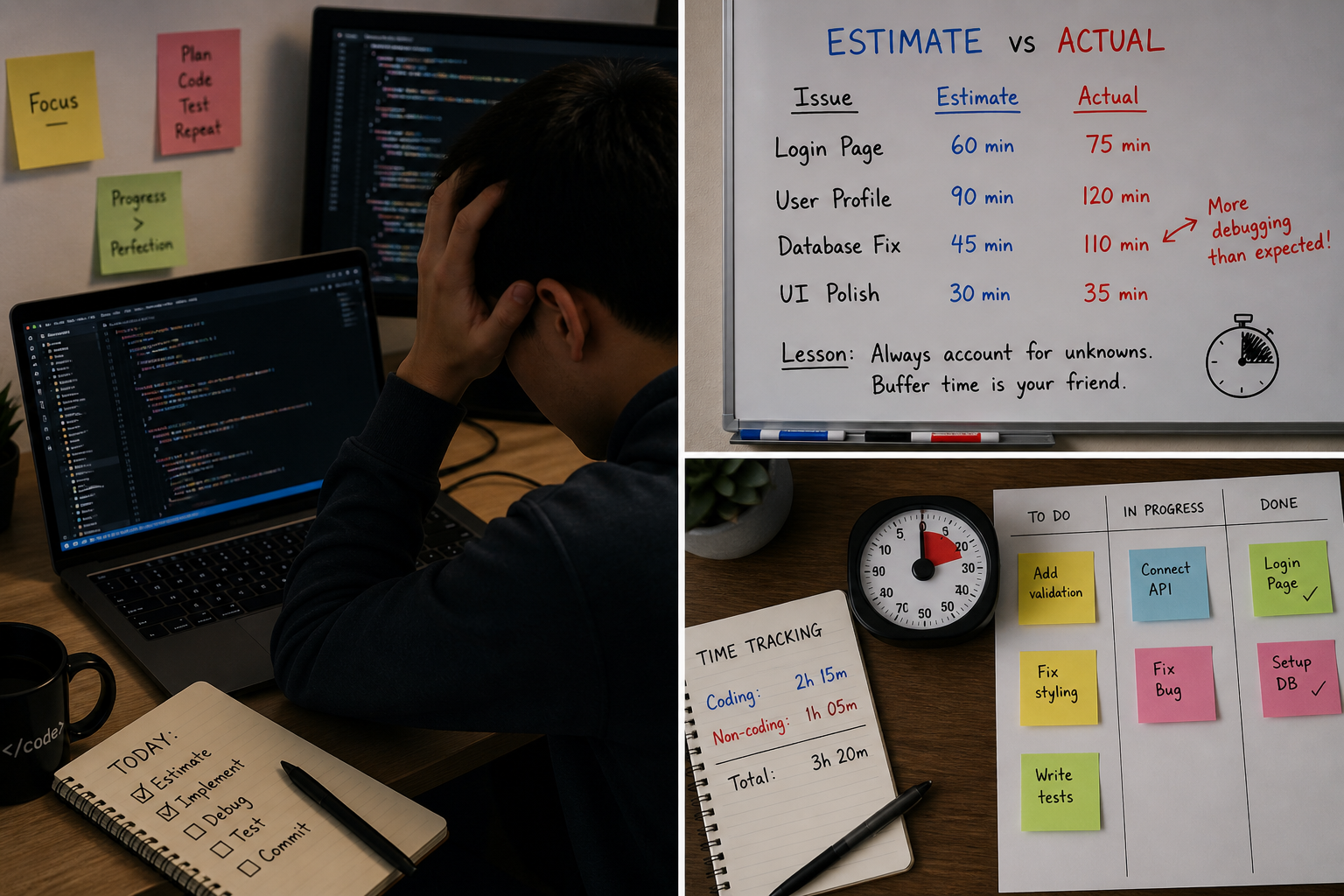
Effort Estimation in Software Engineering
Estimating Started as an Educated Guess
At the beginning of the project, effort estimation felt more like an educated guess than an exact calculation. I based my estimates on task complexity, my previous experience, and how many steps I thought each issue would require.
For simpler issues, such as “issue-06: create all events page”, I estimated lower because the work seemed mostly straightforward. These tasks usually involved modifying a page, adjusting layout, or adding small functionality. For more complex issues, such as “issue-36: Finish like/dislike functionality”, I estimated higher because there was more uncertainty involving work with the database.
My estimates were not based on exact historical data at first, but I tried to compare each issue to similar work I had done before.
Why Estimating Still Helped
Even when my estimates were not completely accurate, estimating was still very useful. It forced me to think through the issue before coding. Instead of only looking at the issue title, I had to consider planning, implementation, testing, debugging, and research.
For example, “issue-26: Fix Like/Dislike Bugs” was estimated at 30 minutes, but it actually took 100 minutes. This showed me that I underestimated debugging code that was not mine. Even though the estimate was off, it helped me understand which parts of the issue were more difficult than expected.
Estimating also helped with milestone planning. Larger estimates showed which issues needed to be started earlier, while smaller estimates helped identify tasks that could be completed in shorter work sessions.
What the Actual Effort Showed Me
Tracking actual effort helped me see the difference between what I expected and what actually happened. I noticed that I often underestimated tasks that involved debugging or connecting different parts of the application.
How I Tracked My Time
I tracked my effort by separating time into coding and non-coding work. Coding effort included writing code, debugging, testing, and fixing errors. Non-coding effort included planning, researching, reading documentation, discussing issues with teammates, and updating the project board.
My tracking method was using a timer. I tried to update my effort after each work session so the numbers would be accurate. My coding effort was fairly accurate, but non-coding effort was harder to track because it often happened in smaller pieces.
This process showed me that software development is not just coding. Planning, communication, research, and debugging are also major parts of completing an issue.
What I Would Change Next Time
Next time, I would improve my estimates by using actual data from previous issues. Once I completed a few tasks, I should have used those times to estimate similar future tasks more accurately.
I would also break larger issues into smaller tasks. Some issues were difficult to estimate because they included too many different types of work. Splitting them into planning, implementation, testing, and cleanup would make both estimating and tracking easier.
I would also track non-coding effort more consistently. Coding time was easier to remember, but research, planning, and discussion were easier to forget. In the future, I would use a timer or spreadsheet more carefully for both types of effort.
Overall, this experience showed me that effort estimation is not about being perfect. It is about making a plan, tracking what actually happened, and using that information to improve.
AI Use
I used AI tools such as ChatGPT for degbugging and understanding code. I did not rely on AI blindly. I still had to verify the responses, modify the code, and test the results.
A representative prompt I used was:
”> “I’m getting an error in these files. Can you look through them, explain what is likely causing the problem, and suggest the smallest fix without changing the overall structure of the project?””
For AI-related time, I spent about 15 minutes writing prompts, 15 minutes reading responses, and 30 minutes verifying or correcting the output. Most AI responses were used as a starting point rather than copied directly.
AI was helpful, but it did not remove the need for manual work. The time spent prompting, reviewing, testing, and integrating AI output still counted as real effort.